
The External Hard Drives I Use for My Graphic and Web Design Work
As a Squarespace website designer and branding specialist, I work with a lot of different file types every day. From website imagery and brand assets to Photoshop, Illustrator and InDesign files, storage can disappear surprisingly quickly. When I'm working on large-format print projects, individual files can become huge.
Over the years I've found that having a reliable external storage and backup system is essential. I've tried relying more heavily on cloud storage, but personally it doesn't suit the way I work. I don't like files being offloaded from my Mac and then having to download them again when I need them, and I've had a few frustrating experiences trying to access files when I need to work quickly.
For that reason, I still prefer physical external hard drives.
My current setup with my MacBook Pro is actually very simple. I use one drive for my Time Machine backup and another as additional storage for files that I don't need to keep permanently on my MacBook.
I purchased all of these products myself from Amazon and none of them were gifted or supplied to me. They're simply products I genuinely use in my design business. Hard drive prices can vary quite a bit, so I tend to keep an eye out for sales and buy when there's a good offer available.
Affiliate disclosure: As an Amazon Associate, I earn from qualifying purchases. I purchased all of the products featured in this article myself and only recommend products I genuinely use in my design business.
This post contains affiliate links. As an Amazon Associate, I earn from qualifying purchases.
WD My Passport for Mac 5TB
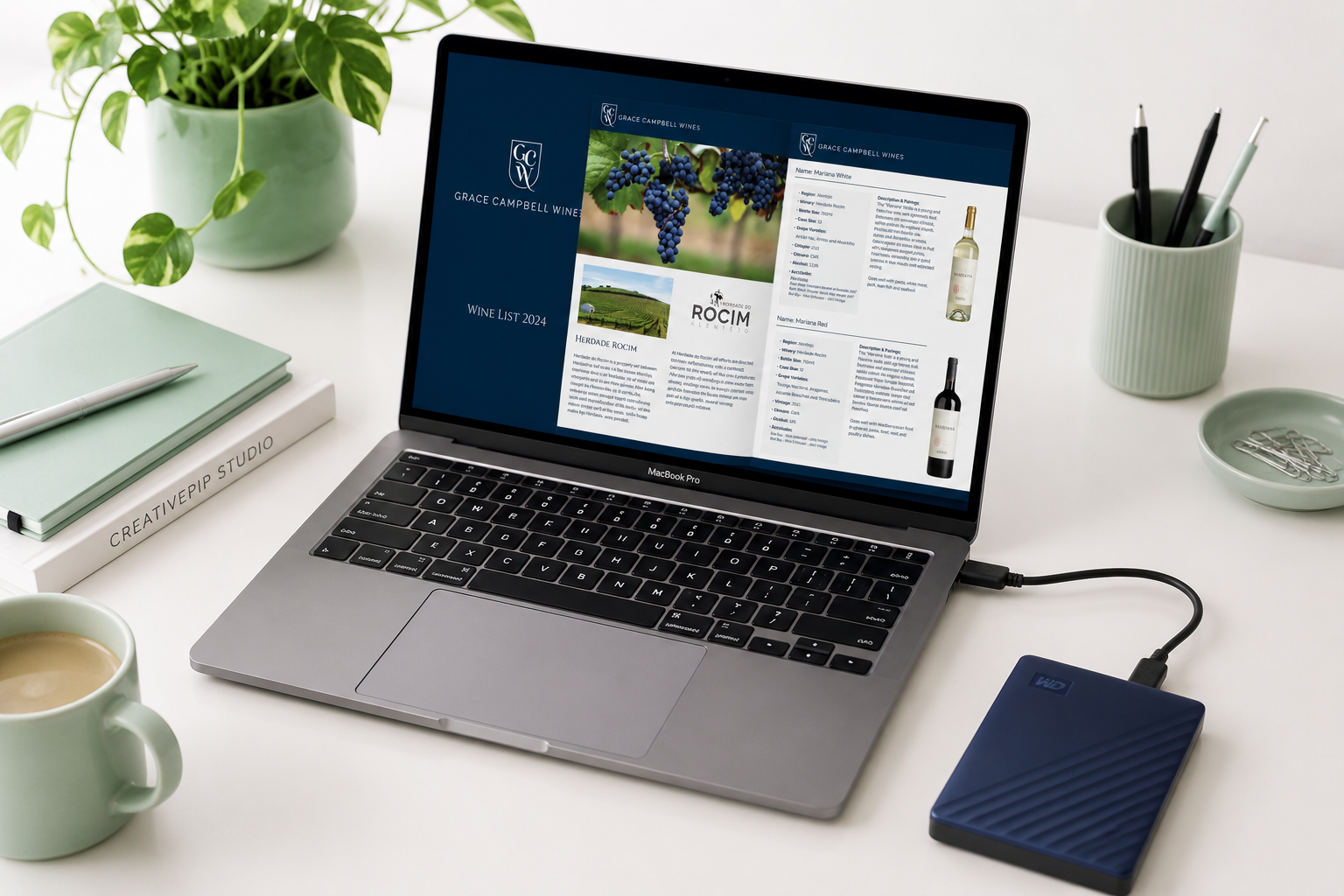
The WD My Passport for Mac 5TB is the drive I use as additional external storage.
I think of this as my plug-in, drop-and-grab drive. I use it for projects and files that I want to keep but don't necessarily need taking up space on my MacBook all the time.
That's particularly useful in my work because a branding project can include Illustrator files, Photoshop files, InDesign projects, photography, PDFs and multiple exported versions. Print projects can be even bigger, especially when I'm creating artwork for large-format graphics.
One of the things I particularly like about this WD drive is that the Mac version comes formatted for Mac, so there was no real setup involved for me. I could connect it and start using it.
Seagate Portable 5TB External Hard Drive
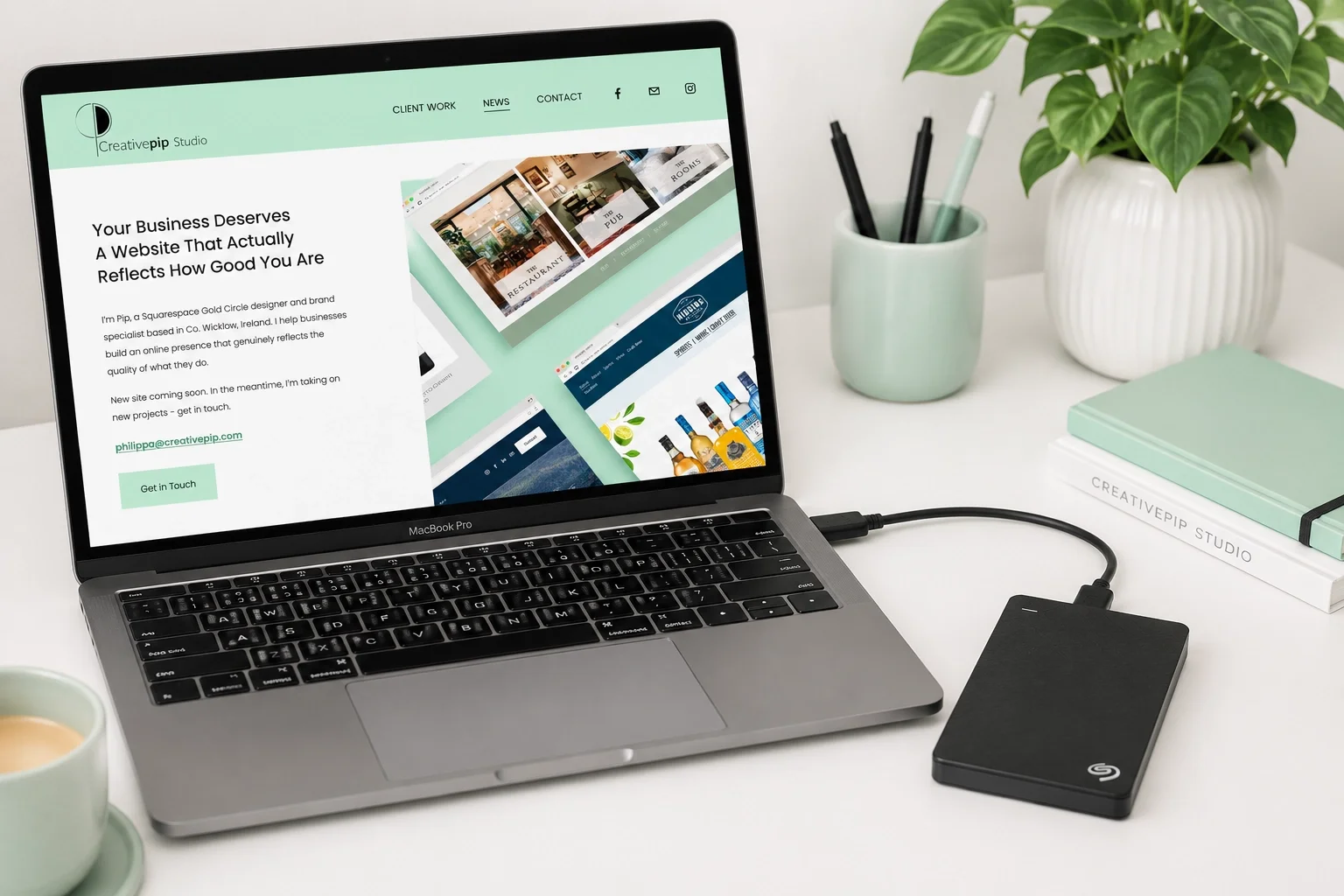
My Seagate Portable 5TB has a different job. This is the drive I use for Time Machine backups.
I like having a physical backup of my Mac rather than relying entirely on cloud storage. With years of client projects and business files involved, knowing that I have a separate backup gives me a bit more peace of mind.
Unlike the WD for Mac drive, I did need to format the Seagate for use with my Mac. That sounds more complicated than it actually is. It was simply a matter of erasing and reformatting the drive using macOS Disk Utility before setting it up for Time Machine.
Once that was done, it was straightforward to use and it's now the drive I rely on for my regular Mac backups.
Syntech USB-C to USB Adapters
One of the biggest bugbears for a lot of Mac users was Apple moving away from the traditional USB-A ports. My MacBook Pro uses USB-C/Thunderbolt ports, but plenty of the equipment I already own, including my external hard drives, still connects using standard USB.
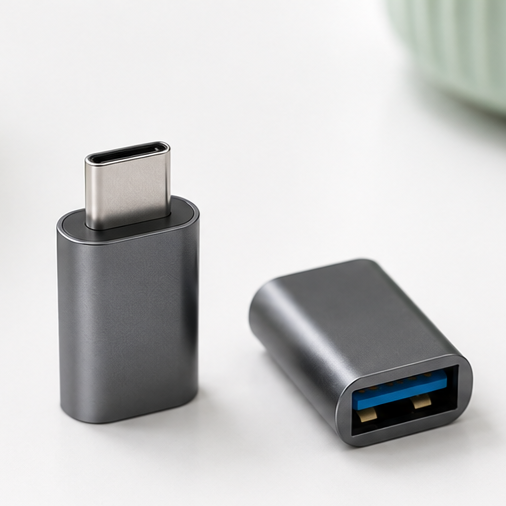
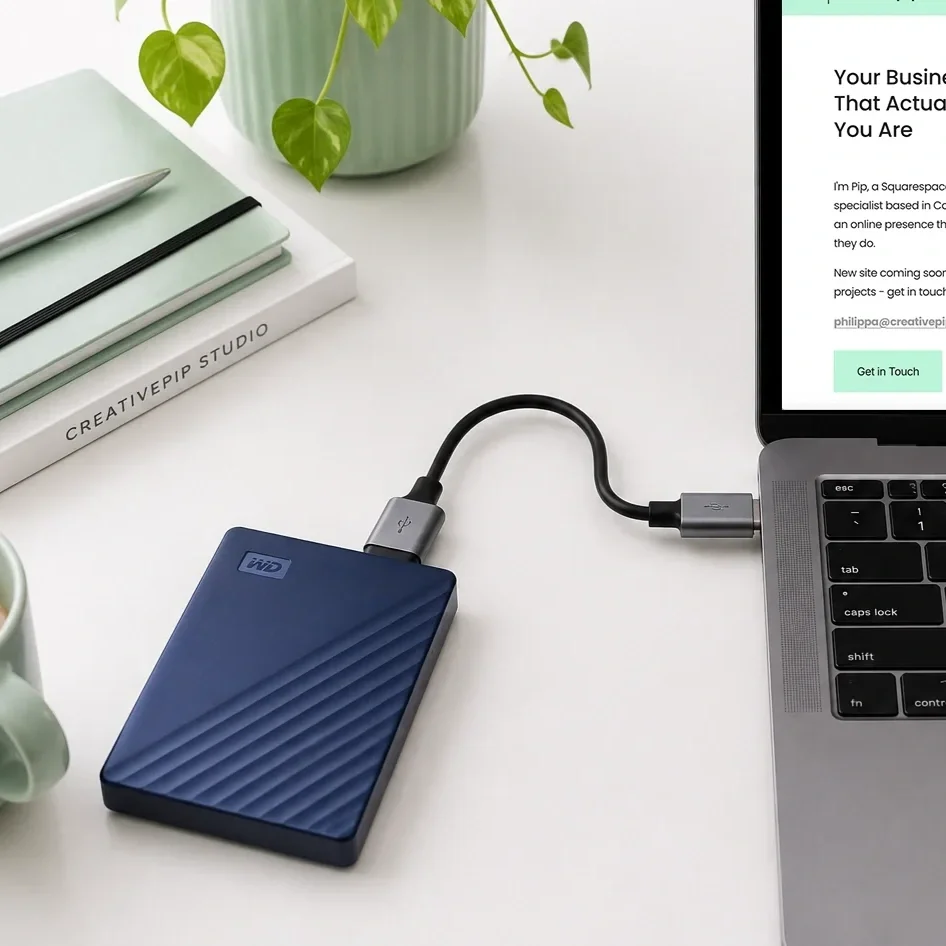
Rather than replacing perfectly good equipment, I use these small Syntech USB-C to USB 3.0 adapters. They simply plug into the USB-C port on my MacBook and allow me to connect my existing USB devices as normal.
They are tiny, inexpensive and probably one of the most-used accessories in my setup. I use them with my WD and Seagate hard drives, USB sticks and other older USB accessories. I keep a couple around because they are very easy to throw into a laptop bag when I am working away from my desk.
If you have a newer MacBook but still use USB-A hard drives or accessories, they are a really simple way of keeping your existing equipment in use rather than replacing everything just because the ports have changed.
You don’t need to spend a fortune on external storage
One thing I’ve learned from working with large design files over the years is that you don’t necessarily need to spend a huge amount of money on external storage. There are faster and more expensive options out there, such as SanDisk SSDs, but for the way I work, I’ve found both WD and Seagate drives to be reliable and perfectly suited to everyday file storage and backups.
I’m constantly working with large Photoshop, Illustrator, InDesign and print files, and some projects can take up a considerable amount of space. For me, having several reasonably priced drives makes more sense than investing a large amount in one drive.
The important thing is to look after them. External hard drives are still physical devices, so I’m careful not to knock or drop them, and if I’m travelling with one, I keep it in a protective case rather than throwing it loose into my laptop bag.
I also never treat one external drive as the only copy of an important file. My Seagate is used for Time Machine backups, while my WD My Passport is more of a working archive for files I want to keep but don’t need taking up space on my MacBook.
For my workflow, WD and Seagate give me the storage I need without paying a premium for something I simply don’t need.
Why I Still Prefer External Hard Drives
Cloud storage is incredibly useful and I use online services as part of my business, but for my main design-file storage I've found that physical drives suit the way I work better.
I like knowing exactly where my files are. If I need an old client project, a large print file or an original piece of artwork, I can connect the relevant drive and access it directly without waiting for files to download from the cloud.
My current system is deliberately uncomplicated:
Seagate 5TB: Time Machine backup
WD My Passport for Mac 5TB: Additional file and project storage
Syntech USB-C adapters: Connect my USB drives to my MacBook Pro
It's not a particularly elaborate setup, but after years of working with large design files, I've found that simple and reliable is exactly what I need.
If you're a graphic designer, photographer, web designer or another creative who regularly works with large files, external storage is one of those decidedly unglamorous purchases that can make managing your everyday workload much easier.
Disclosure: This article contains affiliate links. If you purchase through one of these links, I may earn a very small commission at no additional cost to you. As an Amazon Associate, I earn from qualifying purchases.